Official Video Doc · Doc 17 · Writing Pipeline
How to Build Your Brain Dump in BookWriter
Runtime: 0:43Where: Start Co-Writer dialog -> Brain DumpBefore you start: Start Co-Writer dialog already open.
Build your Brain Dump in BookWriter’s Co-Writer — the raw material Story Studio uses to draft in your voice. This walkthrough shows how to give Co-Writer everything it needs before drafting begins.
What you’ll do
- 1
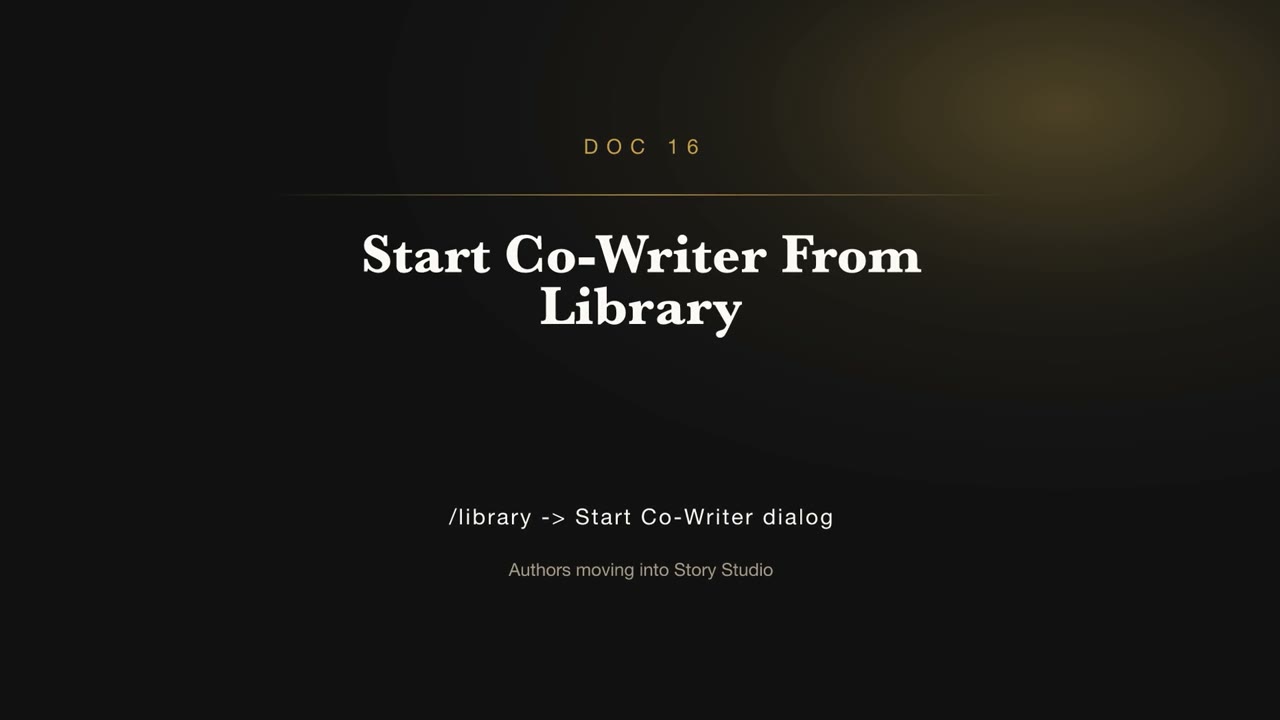
Open the Start Co-Writer dialog
From the library, open the Start Co-Writer dialog.
- 2
Build your Brain Dump
Add the ideas, notes, and details you want the book built from.
- 3
Continue
Hand your Brain Dump to Story Studio to shape the draft.